Your team at the edge of your screen: who's here, who's talking.

// the heads-up display for your team

your people,
always on top.

Everyone and everything you turn to most, together on your desktop. Out of the way, but never out of reach.

pro, free during early access · mac (apple silicon), windows, linux

no alt-tab · a hover to check in · a click to chat · push to talk

// people

gather your party.

The handful of people you work with every day, in a tiny widget on your desktop. Not a meeting to join, a window to alt-tab to or a space to walk into. They're just there.

01

your team, at a glance.

See who's around, who's talking and who's heads-down without opening anything or leaving what you're in.

Keep them in view at the edge, or fold them into one tiny hub you can park anywhere. Hover it and your team pops out; move on and they tuck away.

Sign in and you're already in your team's room. No link to send, no call to start.
02

check in without switching.

Hover a teammate and their panel opens: what they're up to, messages, talk, share. Click to pin it open. Voice-activated audio or push to talk. When you're done it all tucks away, and you're already back at work.

Jump on a Zoom with a customer and teamhud mutes itself until you're back.

03

faces when you want them.

Turn your camera on and your face appears in your bubble, small, at the edge of everyone's screen. Present, not in the way.

Need to really dig in? Open the team meeting for a full grid. Close it and everyone's back at the edge.

04

share the right thing, every time.

We screenshot errors into chat because starting a call just to share is a hassle. Here your team is already there: hover, share, done.

Your share follows your focus: switch to the terminal and they see the terminal a quarter-second later. You pick which apps it follows into and which it never will, so they see what you meant and nothing you didn't.

Need the small text? Ask for full resolution. A teammate can take the wheel when you want a hand.

// trust

nothing's on until you say so.

// how we handle security
  • opt-inRecording, captions and AI summaries stay off until someone turns them on.
  • visibleEveryone in a call sees when recording or captions are on.
  • plainCalls are encrypted in transit and decrypted at the media server. We say both halves.
  • your keyThe AI runs on the model and key you choose.

want your team in reach?

// get started

// things

everything in your inventory.

Your tasks, your messages, your links and your AI, a hover or a hotkey away. Then out of the way again.

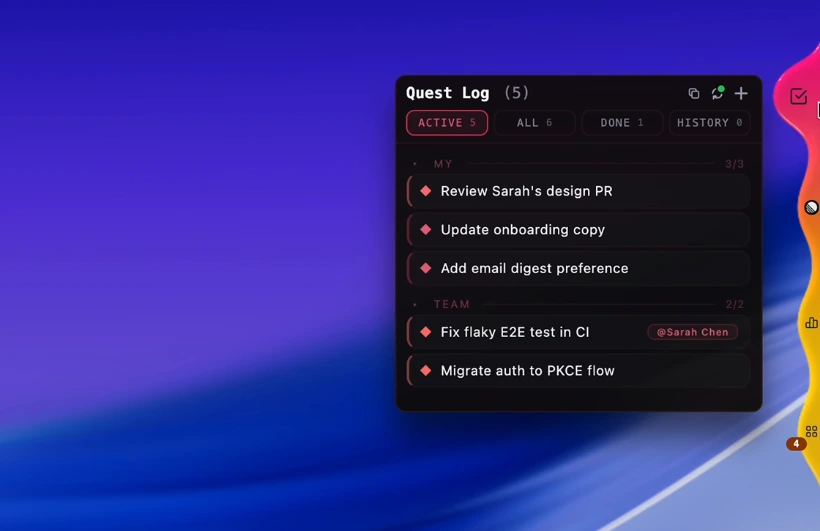
The quest log: your quests and the team's, one tagged to a teammate, with active, done and history tabs.

quest log

Your team's to-do list, side quests to boss fights, one glance away. See who's on what, claim a quest, add one without switching windows.

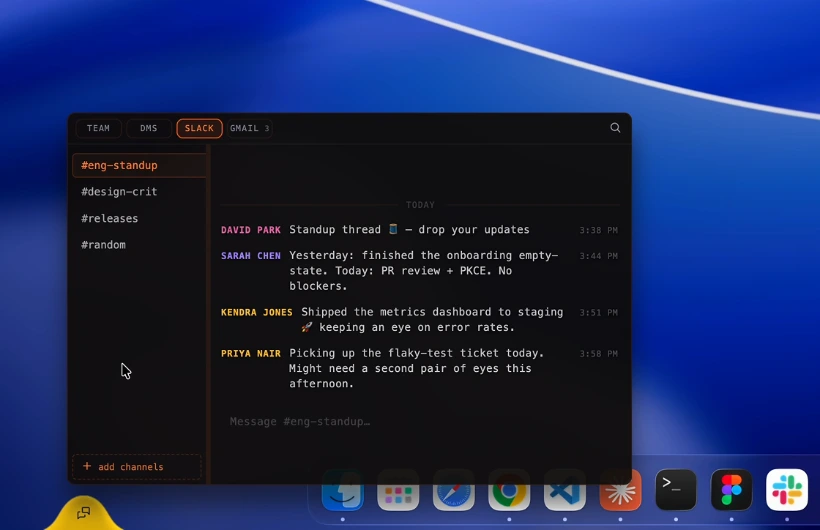
Messages: team, DMs, Slack and Gmail tabs, open on a Slack standup channel.

messages

Team chat and your Slack DMs and channels, in the same layer as your team. Answer without hunting for a window. Email is next.

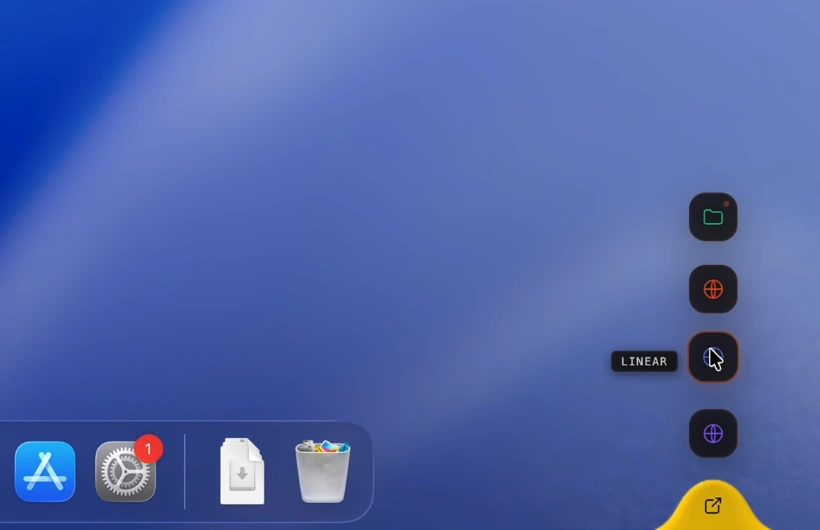
Resources: a column of hotkey buttons for links, files and apps, one labelled Linear.

resources

Your links, files and apps, one hotkey away. Open what you need and you're straight back to work.

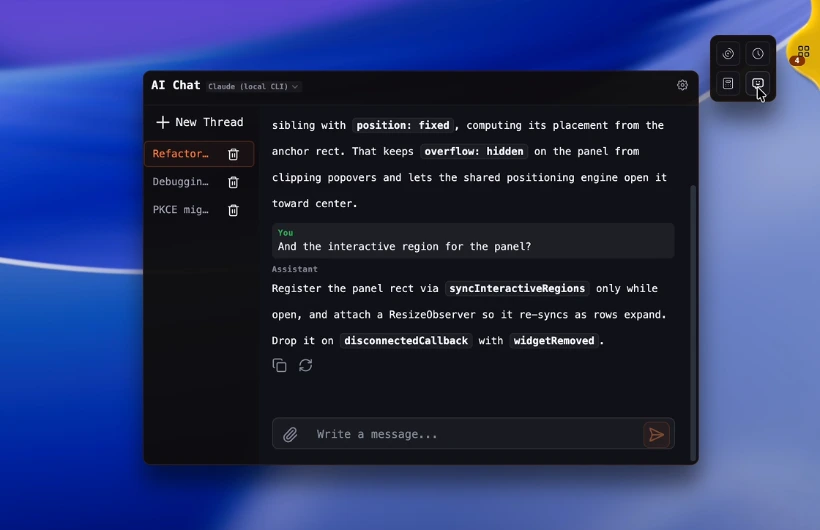
AI chat running on Claude through the local CLI, answering a coding question in a thread.

your ai

Claude, OpenAI or a local CLI, on your own key. It files quests, messages the team and reaches your other tools over MCP. Off until you turn it on.

// how you get in

  1. 01

    claim your slot.

    Make an account. Pro is free during early access, while slots last.

  2. 02

    install, invite.

    Mac (Apple Silicon), Windows or Linux. Send one invite; it's the last link you'll ever send your team.

  3. 03

    you've joined the party.

    Your team is at the edge of your screen, and you're in the room with them. Just talk.

// early access

keep your team in reach.

Pro is free during early access. Make an account, install it, invite your team.

Mac (Apple Silicon), Windows and Linux. Mobile is coming.

// early access

Every feature, free to use during early access while slots last. No card. It's early, so expect things to change.

// create your account // how getting started works

Already in? Sign in.

// P.S. the nerf darts are baked in. HR approval not required.