// press
teamhud, for the record.
teamhud is the heads-up display for your team: everyone and everything you turn to most, together on your desktop. Out of the way, but never out of reach. Here's what you need to write about it, and a person to ask.
// fact sheet
- whatthe heads-up display for your team
- taglinework outside the box.
- made byGeekOffice LLC
- teamDavid Castro · Dain Kennison
- home baseBoise, Idaho
- statusearly access
- runs onmacOS (Apple Silicon) · Windows · Linux
- pricefree during early access
- contactsupport@teamhud.app
// describing teamhud
copy it, quote it, trim it.
Use any of these as-is. We write teamhud in lowercase, one word. Our tagline: work outside the box.
in one line
teamhud is the heads-up display for your team: everyone and everything you turn to most, together on your desktop. Out of the way, but never out of reach.
in one paragraph
teamhud is the heads-up display for your team. Everyone and everything you turn to most, together on your desktop: an always-on voice room, messages, screen sharing that follows your focus, a shared quest log, your team's links and your own AI. Out of the way, but never out of reach: push to talk, hover a teammate to check in, and get back to what you're building without alt-tabbing. teamhud runs on macOS, Windows and Linux, works alongside Slack, Zoom, Google Meet and Microsoft Teams, and is free during early access.
the idea
The thing you're building is the main event. In a raid, nobody alt-tabs to check the party's health; it's on the HUD, so your eyes stay on the fight. Work deserves the same: the people and context you need, right there, and nothing pulling you out of the thing you're making. teamhud is that HUD, built by people who play games and wanted the same for their work.
the story
teamhud started with David and Dain, who have worked together since their days at Media Temple. In summer 2025 they were in a meeting, screen sharing, and that session, like many, had multiple moments of “are you sharing the right screen?” A rapid prototype to fix that grew into the concept for teamhud, which they built out as part of the Sandbox Program at Boise State University. It grew from better screen sharing into a layer for the people, tools, tasks and context a small team needs, without dragging anyone into another app. Early access opened in October 2026. They're builders and gamers who wanted the HUD from their games for their work, so they made one.
// boilerplate
for the end of your piece.
About teamhud. teamhud is the heads-up display for your team: everyone and everything you turn to most, together on your desktop. Out of the way, but never out of reach. It runs on macOS, Windows and Linux, works alongside the tools teams already use, and is free during early access. teamhud is made by GeekOffice LLC, David Castro and Dain Kennison. More at teamhud.app.
// the facts
what it does, plainly.
Each line links to the page with the detail.
- peopleAn always-on voice room for your closest teammates, with push to talk. Hover anyone to check in, message or share. Cameras show small at the edge, with a full meeting grid when you want one. Home.
- guestsAnyone you invite joins a meeting from a web browser, with no account or download.
- sharingScreen sharing follows your focus between apps; apps you exclude never show. Teammates can take control when you allow it. Why.
- workA shared quest log, team links, and Slack channels and DMs in the messages panel. teamhud mutes itself during Zoom, Meet, Teams, Slack and Discord calls. Why.
- platformThemes down to shaders, custom widgets that run sandboxed, AI on your own key or local CLI, and a built-in MCP server. Platform.
- privacyRecording, transcription and AI meeting suggestions are off until an admin allows them and a person starts them; everyone sees when they're on. Runs on our cloud or your own server. Security.
- priceFree during early access, with every feature, while slots last. It's an early-access release and will change; when it ends, accounts stay on a free tier and the full release sets the prices. Pricing.
- compare
// the team
two builders, a lot of games.
We built teamhud together. David leads product and engineering; Dain leads design, UX and brand. We both code, we both sweat how it looks and works, and we both shape the product. Interviews and demos: support@teamhud.app, subject "Press".
-
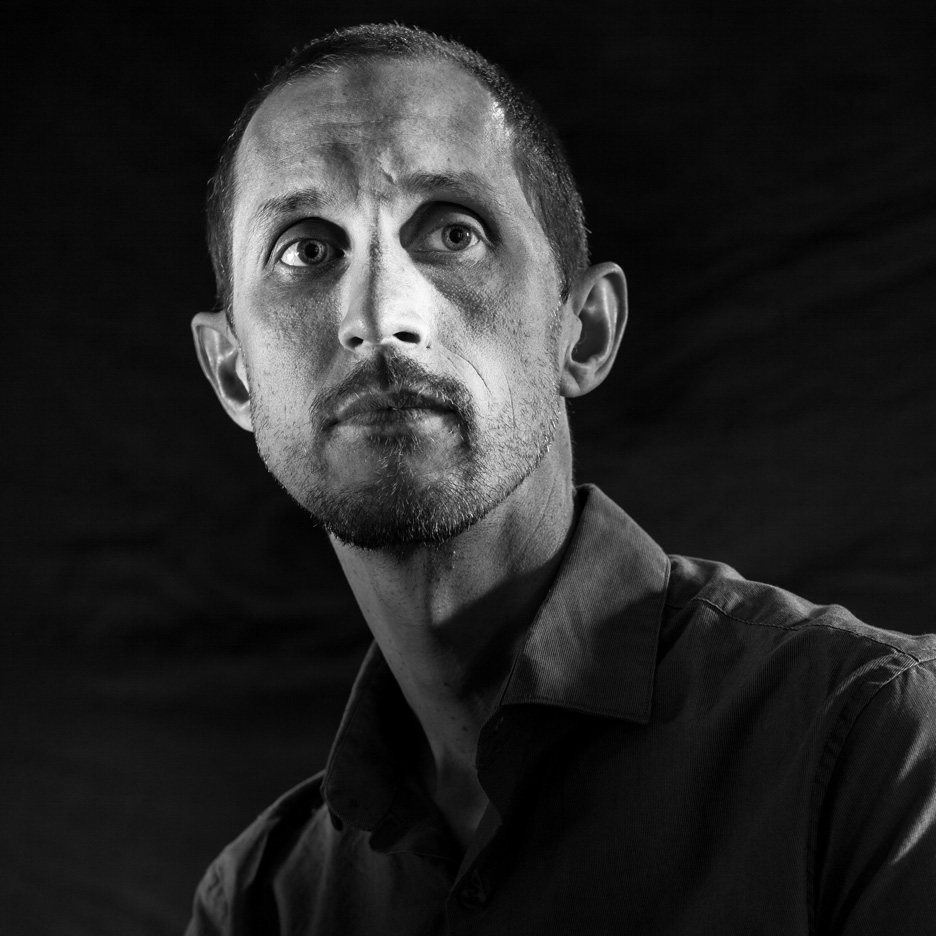
David Castro
David is an engineer and entrepreneur with an obsession for creating new things. He has designed, built and run products for companies across various industries for the past 30 years.
-
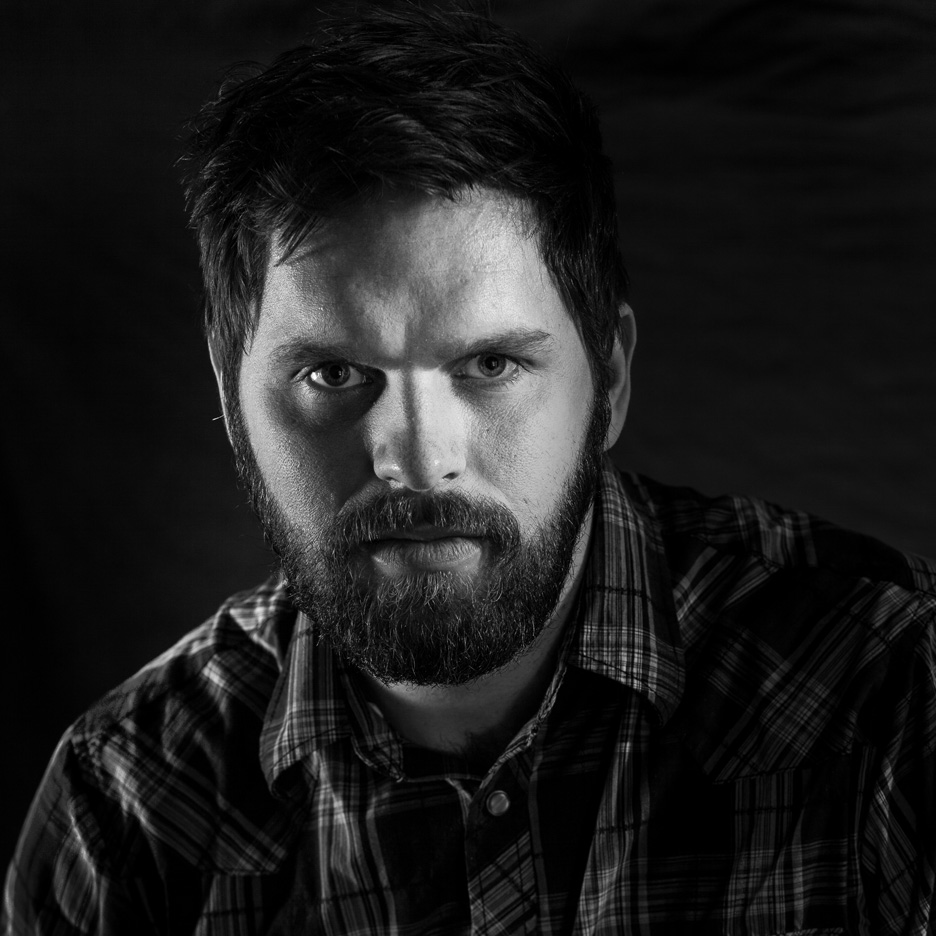
Dain Kennison
Dain is a designer and developer who leads with design, UX and brand. He has led creative direction, UX and development for FOX, the NFL, Lincoln, the U.S. Department of Education and a lot of startups, building for the web since the '90s.
// media
screenshots, b-roll and logos.
Real app capture, no audio. Use them with coverage of teamhud; no need to ask. Want something specific? Ask us.
-
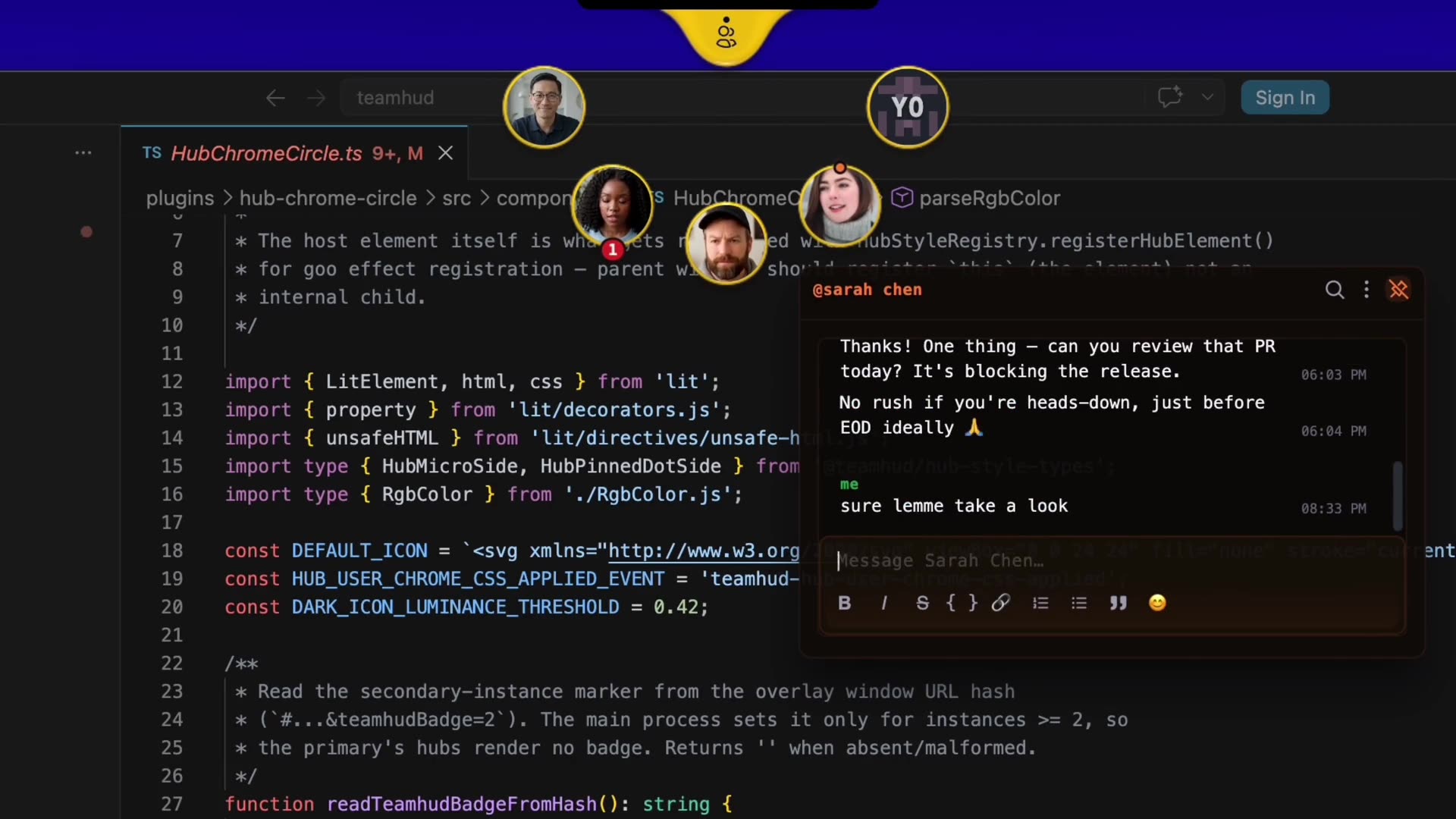
The team over a code editor: hover a teammate, chat, keep coding. still (jpg) · clip (mp4)
-
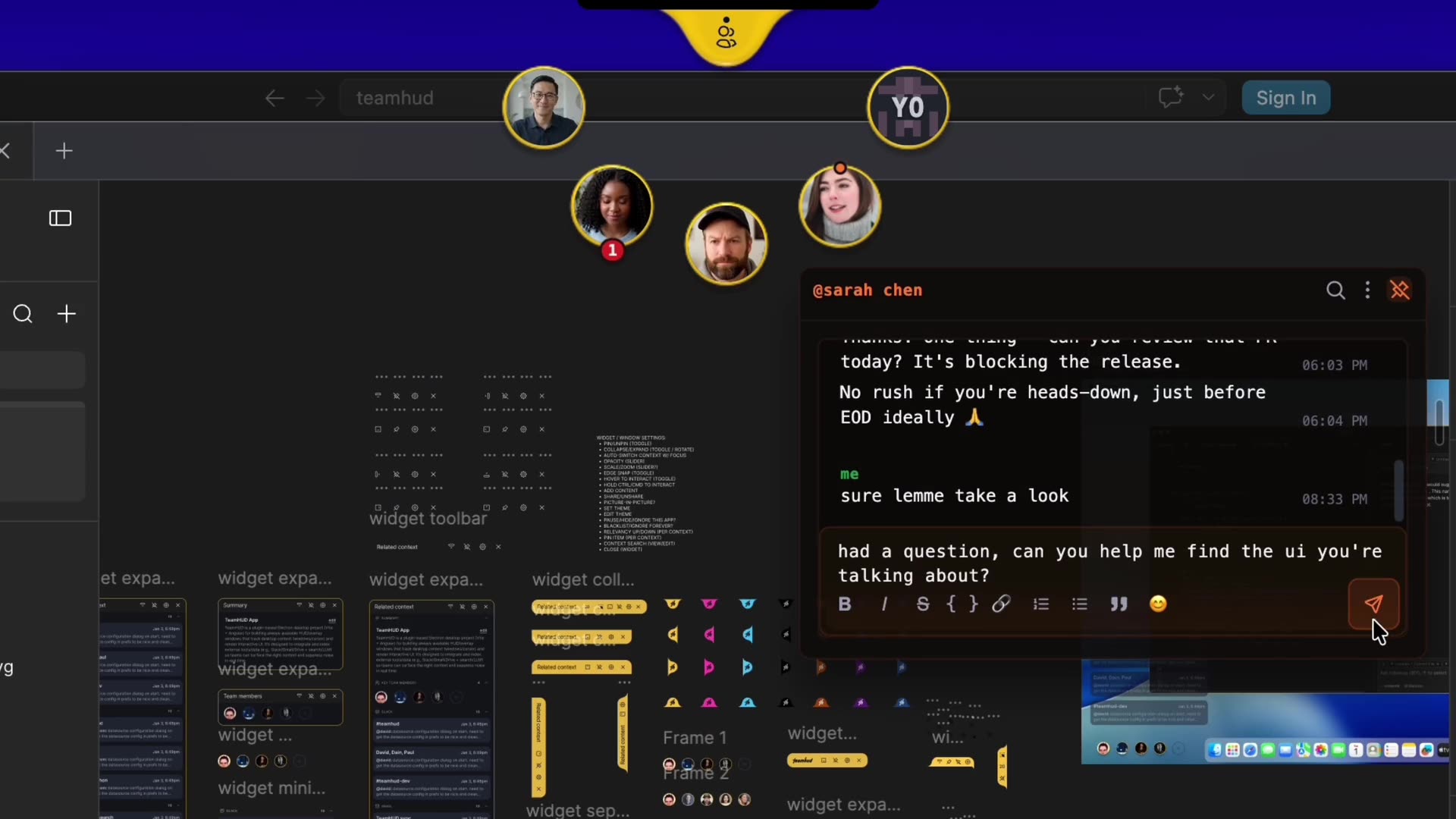
Checking in over a design file: a quick chat and a teammate's camera. still (jpg) · clip (mp4)
-
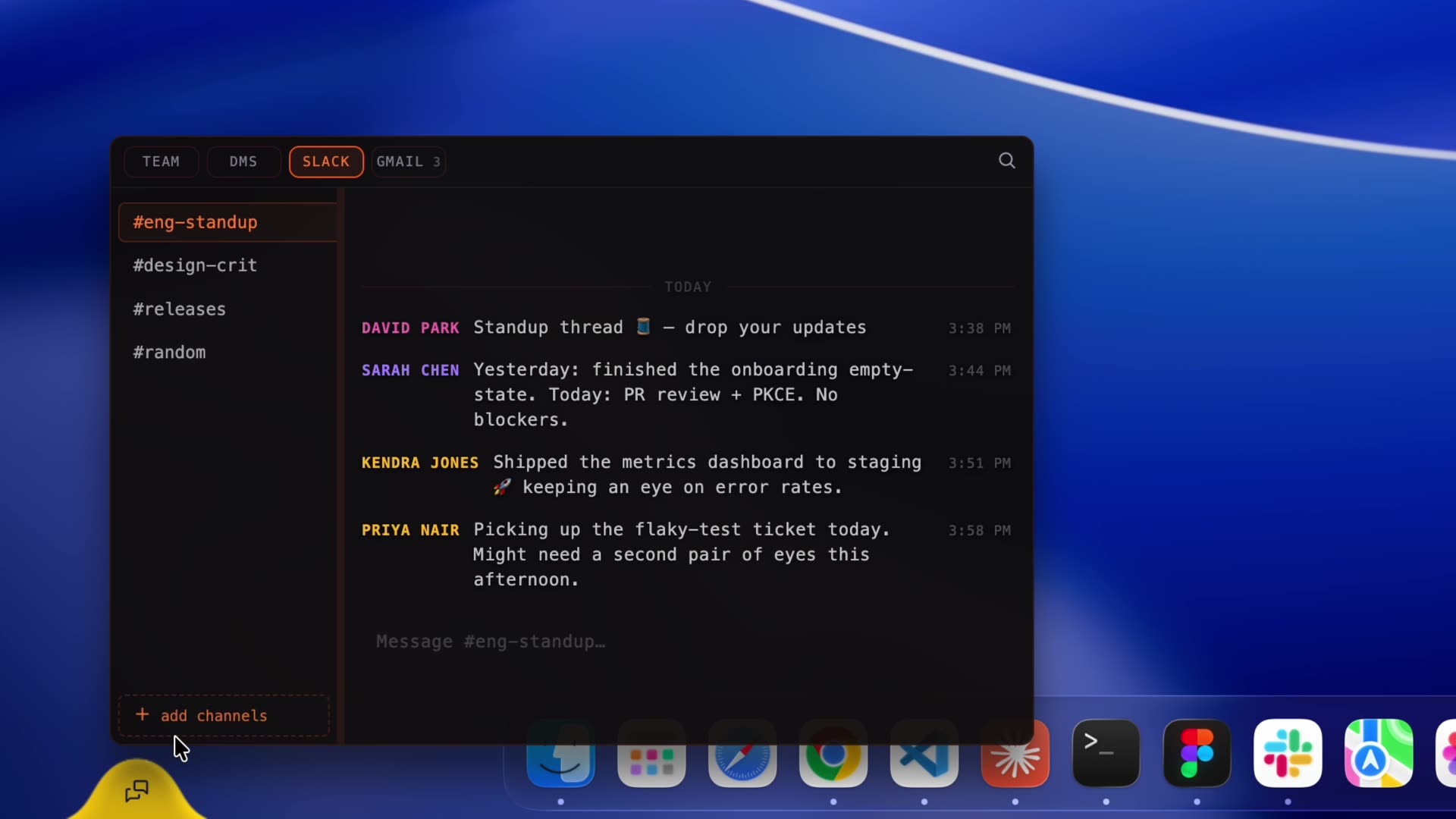
The messages panel with a Slack channel, next to the team hub. still (jpg) · clip (mp4)
-
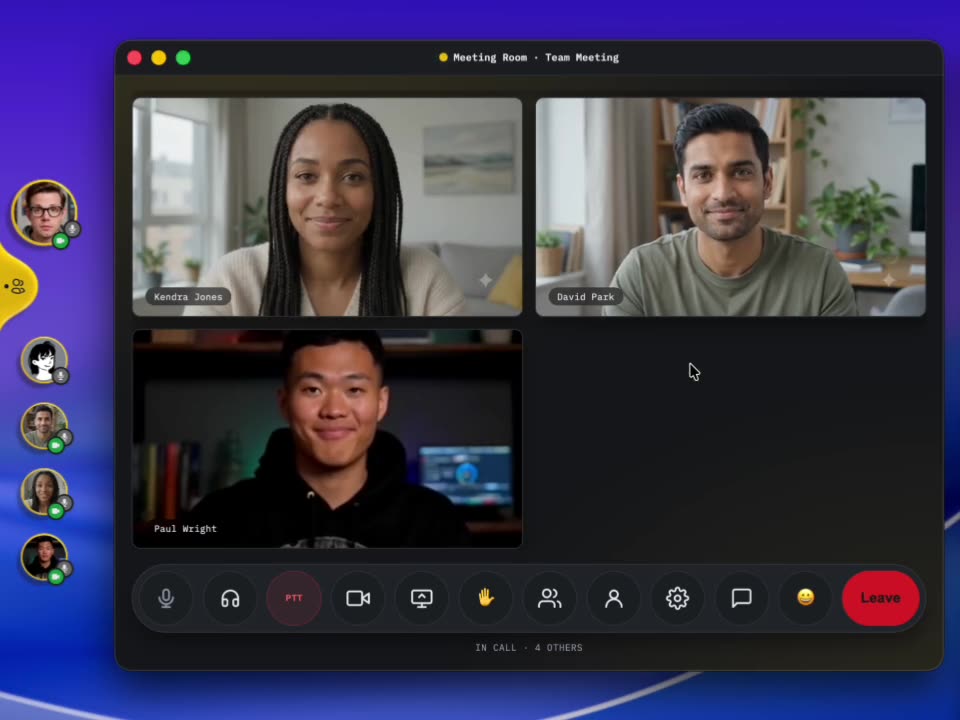
The team meeting grid, opened from the hub when you need it. still (jpg) · clip (mp4)
-
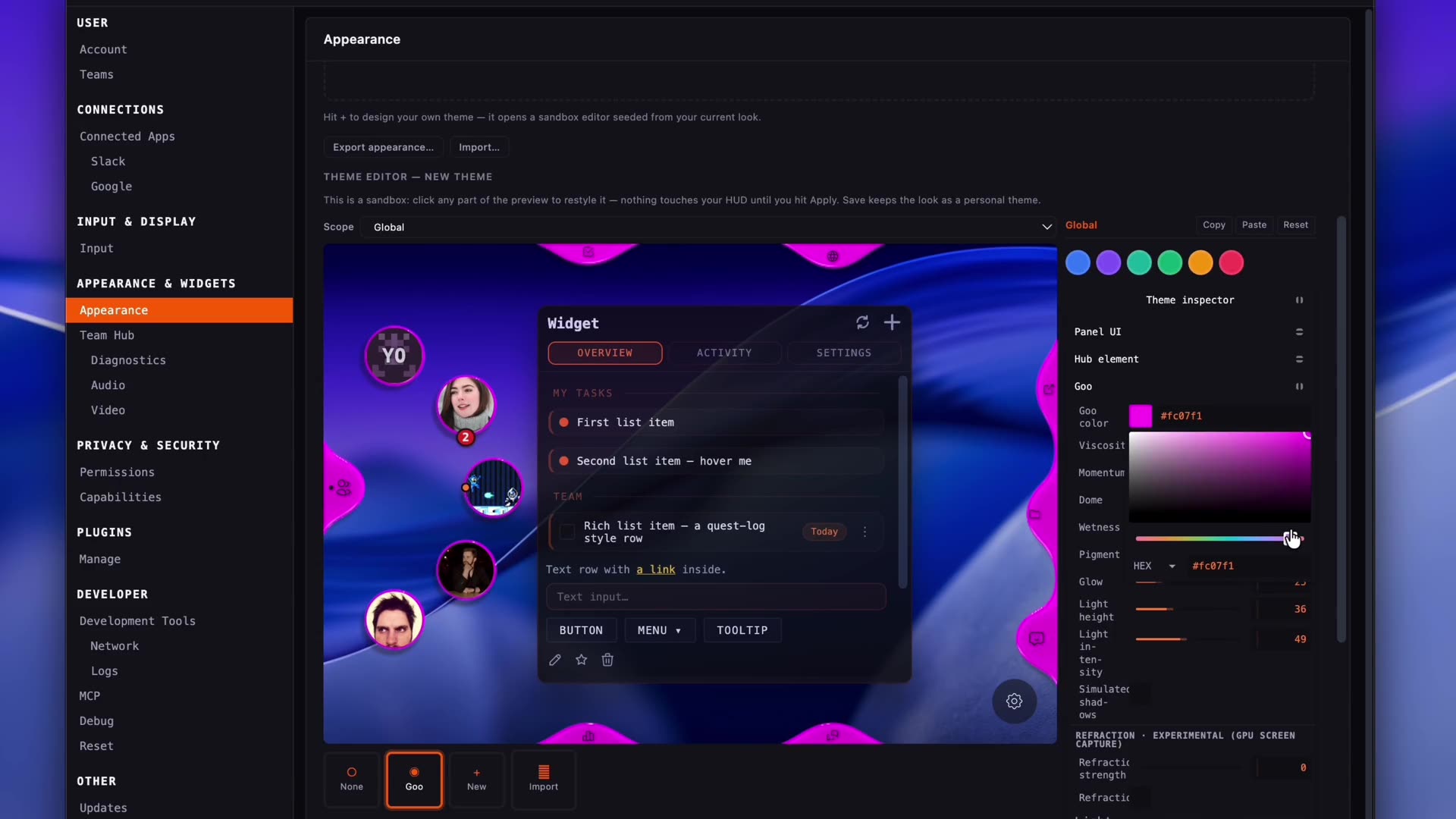
The live theme editor recoloring the hub and a widget. still (jpg) · clip (mp4)
-
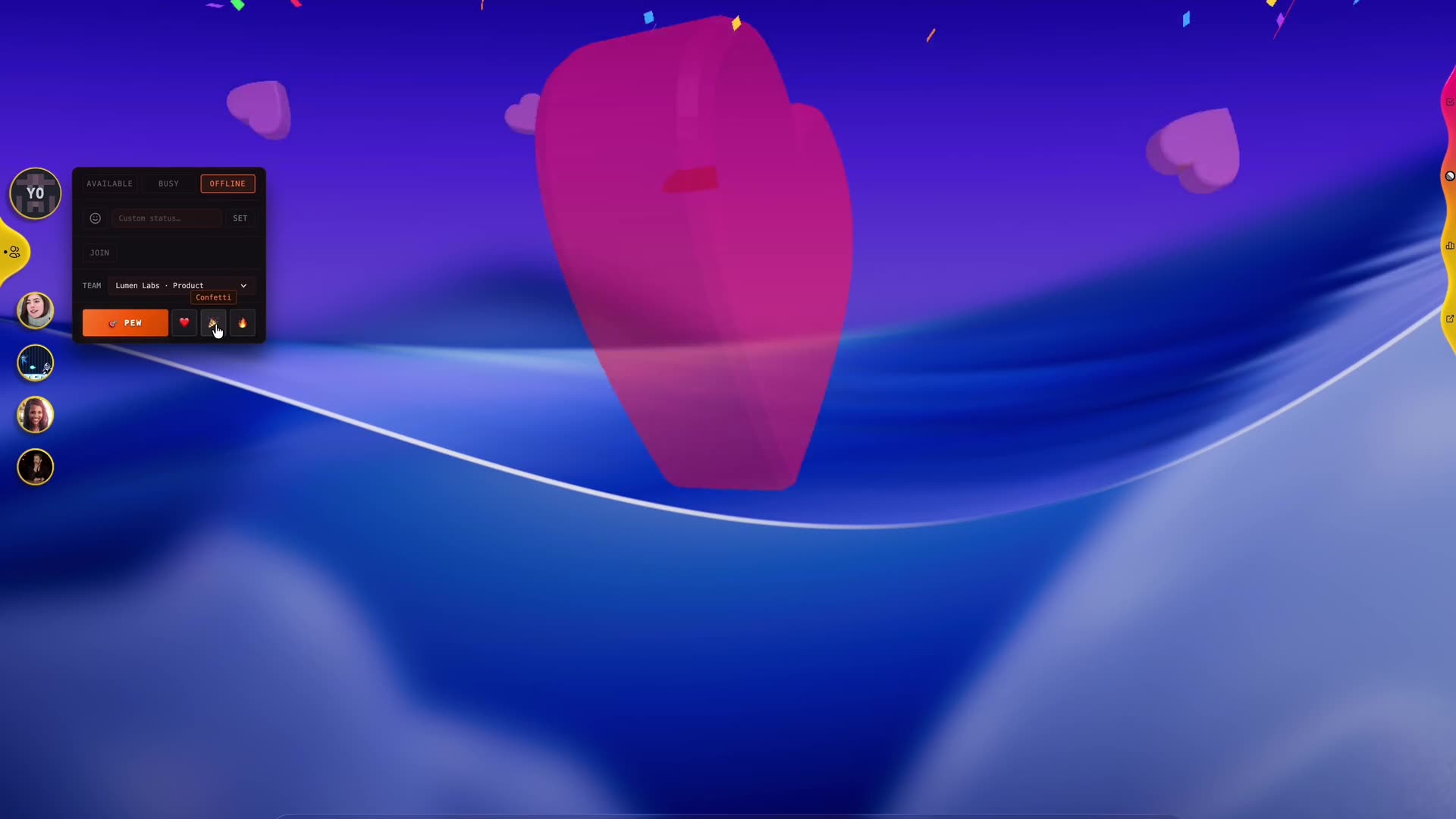
Reactions playing across the desktop: hearts, confetti, fireworks. still (jpg) · clip (mp4)
logos










// try it yourself
the best way to get it is to use it.
Every Pro feature is free during early access, no credit card. Writing about it and want a guided tour or a team to try it with? Email us.
Mac (Apple Silicon), Windows and Linux. Mobile is coming.
// early access
Every feature, free to use during early access while slots last. No card. It's early, so expect things to change.
// create your account // email us