team
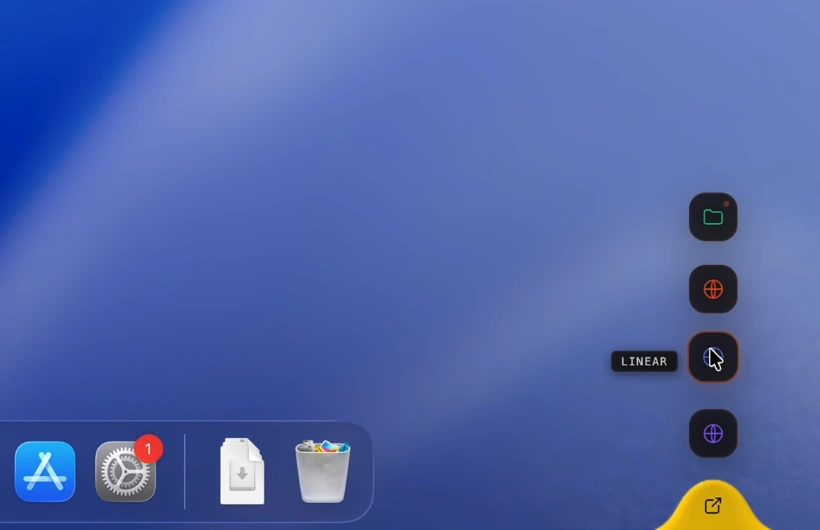
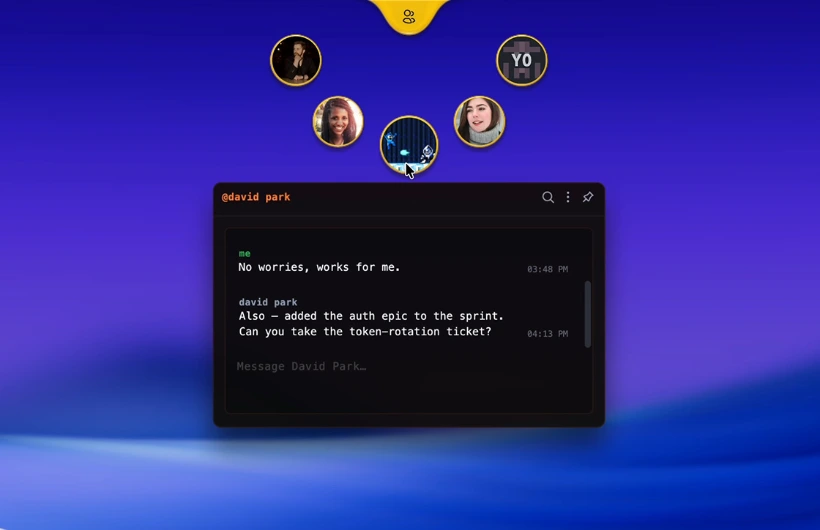
Your people, a glance away. Not an alt-tab away.
// the platform
Calls, chat and the rest of teamhud are widgets on one system, and that system is yours to extend. Build your own widgets, theme the whole thing, or describe a widget and let AI build it. No two installs need to look alike. New here? Start with why.
// on the surface
Five widgets in the box, groups to arrange them, and room for the one you build. Move them, theme them, make them yours.
Your people, a glance away. Not an alt-tab away.
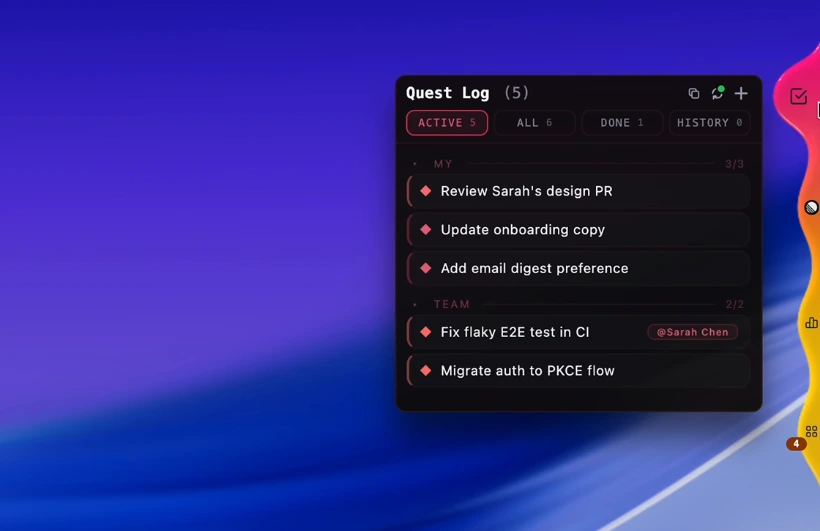
Today's work, surfaced. Not buried in a board you forgot.
Every link, doc, and tool. One hotkey.
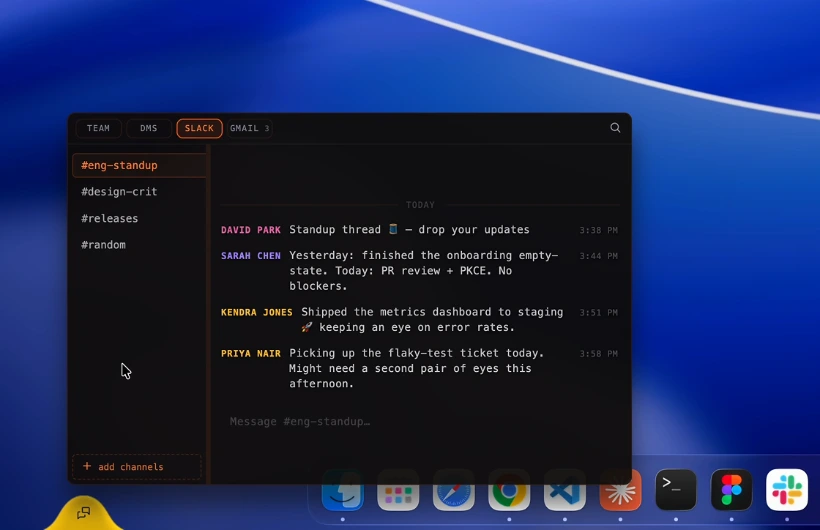
Quick word, sent. No heavyweight app.
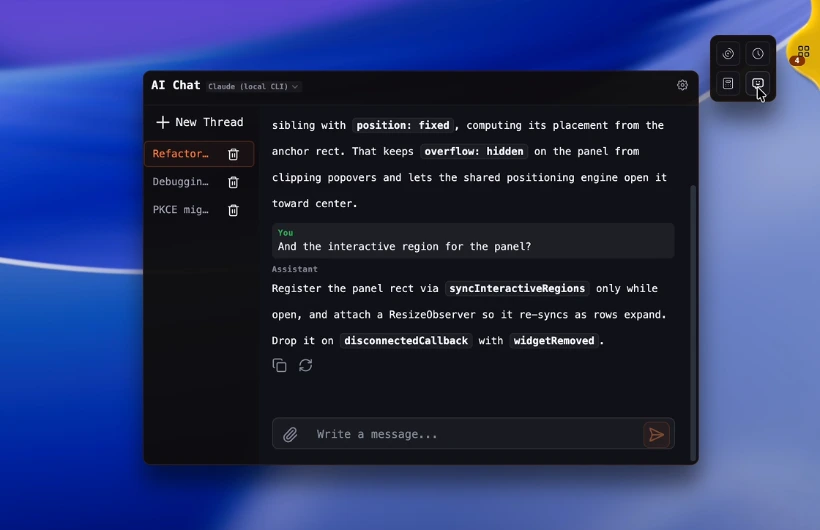
Bring your own key, or talk to the local CLI you already use.
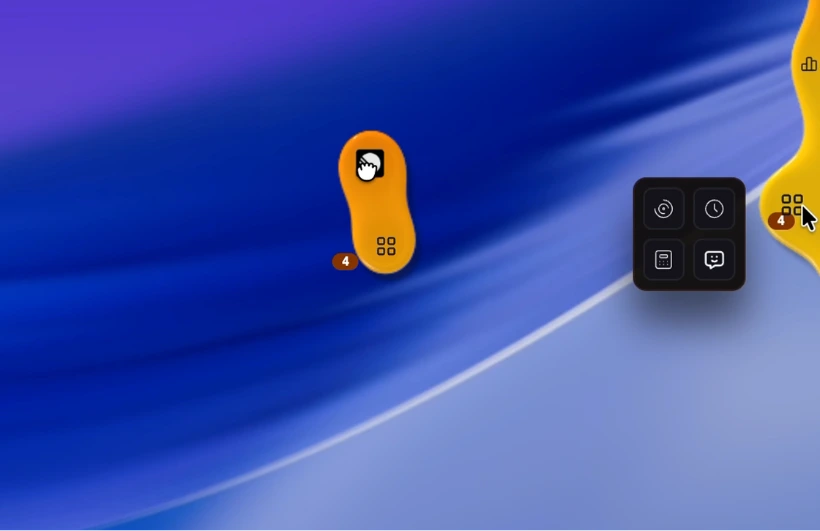
Drag widgets into a group. Put them anywhere you want.
Describe a widget in AI chat and it builds it. Or write your own. What will you build?
// make it yours
Good defaults out of the box. After that, it's your desktop: restyle it, rearrange it, rebind it, light it up.
Surfaces, borders, color ramps, radius, glow, presence. A live editor with per-component states, your own CSS, and fonts straight from your machine.
Export it to a file and hand it to a friend. They choose what to import.
Drag widgets where you want them, group them into folders, and they follow you across monitors.
Drop in your own WGSL backdrop behind your hubs and get sliders for its knobs, generated for you. Needs WebGPU.
Shaders behind your apps, not just behind teamhud. Windows, macOS and Linux (X11).
Every shortcut on one page, every one rebindable.
Upload your own avatar or pick one of 19 styles. Swap the sound pack while you're at it.
Gaming mode tucks teamhud out of the way and swaps in its own theme. Back to work, back to yours.
// extend it
Widgets are plain web tech. Your agents get a real API. Nothing here needs our permission.
A folder with a widget.json and some HTML, dropped in ~/.teamhud/custom-widgets. It hot-loads. Share it as a zip.
Need a server side? It runs sandboxed, reaches only the hosts you name, and asks before it gets access. How that works
// next patch one mod format for themes, widgets and packs, and a place to share them.
want a desktop that's actually yours?
// get started// the vision
teamhud is a platform, not a product you're stuck with. Web-tech widgets, documented APIs, a built-in MCP server. Good defaults out of the box. No ceiling after that.
Custom widgets run in their own sandbox, fenced to their own folder and the hosts you name. See what can touch what, and revoke it. Need it all in-house? Run the whole stack on your own server, calls included.
Docs, examples and the MCP server.
read the docs · run your own server
// early access
Early access gets you the platform as it grows: themes, widgets, shaders and your own agents. Pro is free during early access, while slots last.
Mac (Apple Silicon), Windows and Linux. Mobile is coming.
// early access
Every feature, free to use during early access while slots last. No card. It's early, so expect things to change.
// create your account // how getting started worksAlready in? Sign in.